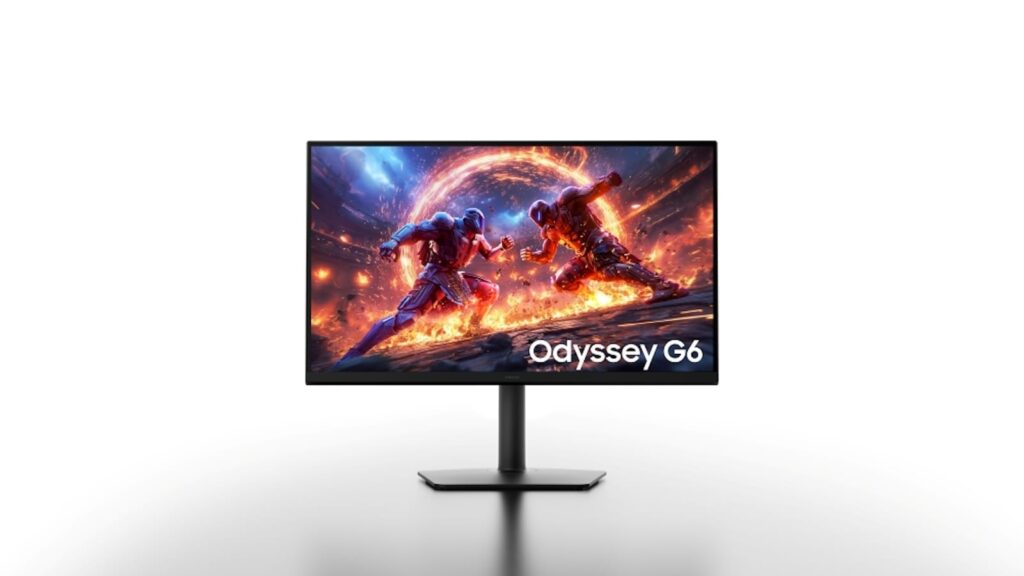
Samsung just announced its new Odyssey monitors at Gamescom 2026, and I immediately wondered: which one should I actually buy? We have four new gaming monitors to consider — the OLED G9, OLED G8, OLED G7, and the G6 — and it’s tempting to assume they’re all different versions of the same screen.
They’re not.
Samsung built four different monitors for four different buyers: the G9 is for someone who wants an enormous screen, the G8 for anyone who wants an all-rounder, the G7 for immersion junkies, and the G6 exists for the speed demons among us.
I won’t tell you that the monitor with the most impressive specs wins. I will tell you which one makes sense for how you play.
If I had to pick one Samsung Odyssey monitor for the most high-end setup, it’s the OLED G8. I’d go G9 if ultrawide is non-negotiable, G7 if you live for RPGs and open-world games, and G6 if competitive FPS games are your main hobby. The rest of this article is me proving that verdict, because “biggest number wins” is a trap here. You’ll see why later.
Be sure to verify these against one of Samsung’s official pages before you buy. Samsung hasn’t announced official pricing or exact release windows for any of these yet, only that they’re coming.
This is the first real fork in the road, because Samsung is clearly promoting the refresh rate as the headline feature. The G6 is the speed demon — 1,100Hz, but only in Dual Mode at HD resolution. It drops to a still-absurd 600Hz at native QHD. However, 1,100Hz isn’t sustainable for basically anyone: no consumer GPU pushes 1,100 real frames per second, so you’ll have to rely on AI frame generation to even see it.
The G8, on the other hand, gives you 360Hz at full 4K, or 520Hz QHD and 680Hz FHD for faster play. Then, it has OLED’s near-instant pixel response.
Verdict for competitive players: G6 wins on paper for pure refresh-rate bragging rights, but G8 is the more reasonable choice if you play competitive titles alongside literally anything else.
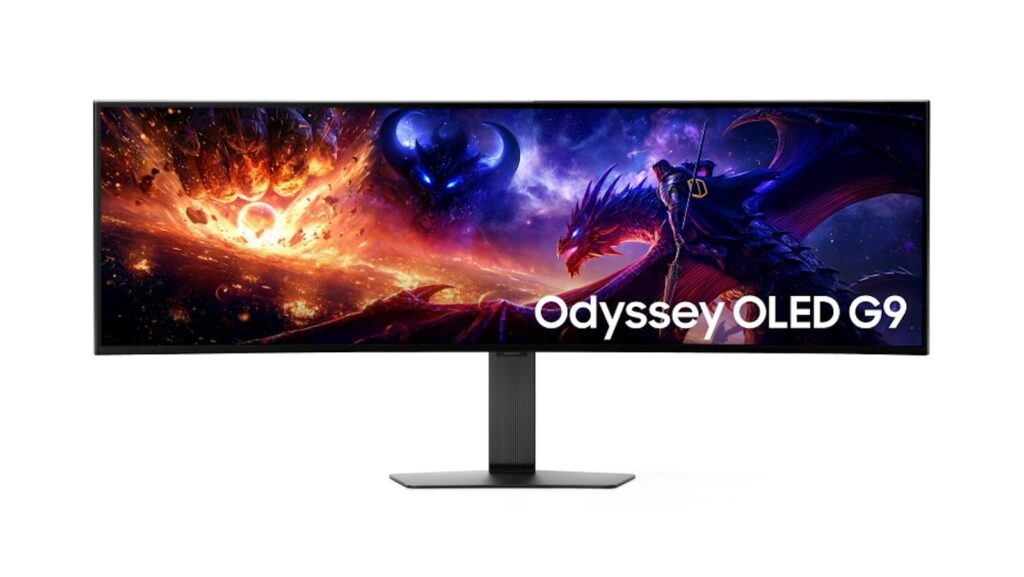
This is where OLED earns its keep. The G8 has 4K resolution with Samsung’s fifth-gen QD-OLED panel, Penta Tandem tech, RGB Stripe subpixels (less text fringing), and VESA DisplayHDR TrueBlack 600.
The G9 uses the same panel generation on a 49-inch DQHD screen. It can claim brightness up to 1,300 nits — though past-gen G9 reviewers noted peak HDR brightness has sometimes been GPU-dependent, so I wouldn’t take that number as a given until reviews are out.3
The G7 runs the same OLED specs. But on a 42-inch screen, contrast and color are more important than resolution. The G6 is the outlier. It offers an IPS instead of OLED, so contrast isn’t infinite, but OLED’s glare sensitivity or burn-in anxiety aren’t concerns.
Verdict for image quality: G8 and G9 both deliver premium OLED experiences — the difference is screen size. G6 doesn’t even compete here, and that’s fine given what it’s built for.
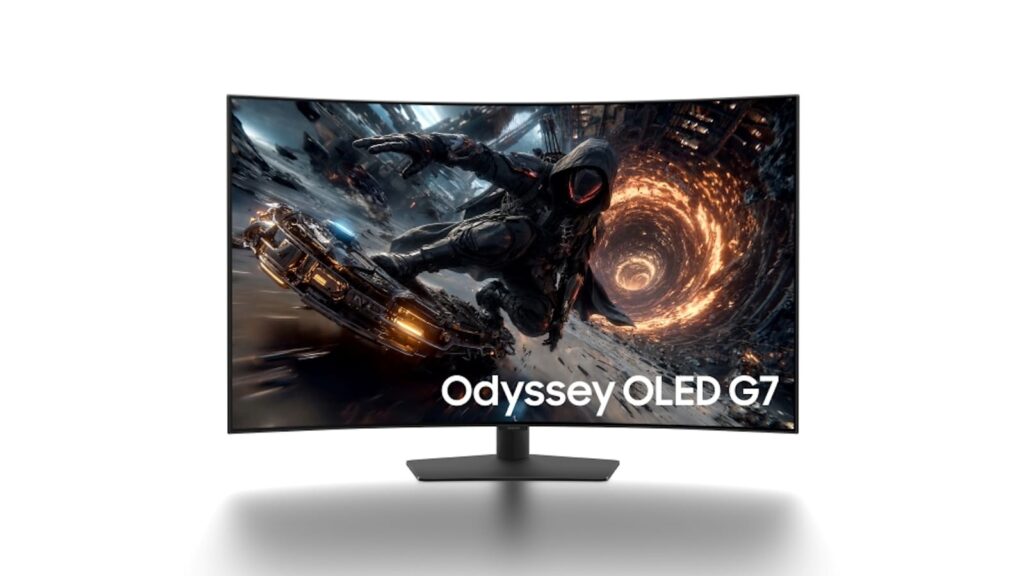
This is the G7’s whole reason for existing. A 42-inch screen with a 1000R curve and 16:9 ratio is Samsung’s answer for cinematic, story-driven games. The curve simply wraps your peripheral vision.
The G9 is the ultrawide alternative. Its 49-inch DQHD gives an enormous field of view in games that support it properly. But past Odyssey G9 owners have noted inconsistent 32:9 support as a real annoyance. The G8 is the middle ground. With a 32-inch 4K OLED you get strong immersion without a cockpit-sized desk.
Verdict for RPG and open-world fans: Get the G7 for max cinematic scale, G8 for immersion without a setup redesign.
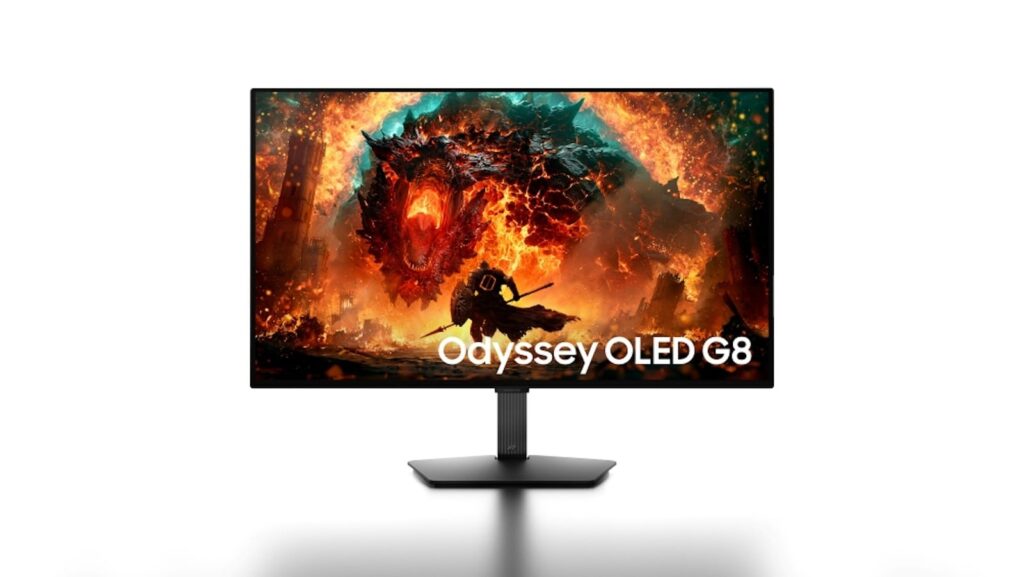
The “best” monitor can actually be the wrong one if it doesn’t fit your desk or PC. A 49-inch G9 needs serious desk depth, and a 42-inch curved G7 isn’t far behind. Only the 32-inch G8 and 27-inch G6 actually fit a standard desk.
Then there’s the GPU question. Pushing real 4K at 360Hz isn’t something any consumer graphics card does natively — even an RTX 5090 is realistically built for 4K at 240Hz or 1440p at 360Hz, not both at once. That means the G8’s 360Hz 4K mode and the G9’s 360Hz DQHD mode both assume you’re running flagship-tier hardware. Otherwise, you’re buying a refresh rate you can’t use.
Connectivity pushes the G8 into the winner’s circle for anyone doing more than gaming. You get DisplayPort 2.1 UHBR20, dual HDMI, USB-C with 98W Power Delivery, a USB hub, and KVM support. So it can double as your monitor.
Verdict for real-world setups: G8 wins here for its normal-sized screen, flexible connectivity, and refresh modes.
The G9 makes sense if you want a massive field of view. Like, you play games that properly support 32:9, and you’ve got the desk space to make a 49-inch curved screen work.
Where it gets shaky: The G9 will likely be expensive, and reviews of its predecessor were mixed. I’d expect similar tradeoffs here until reviews confirm otherwise.
Best for: Gamers who already know they want ultrawide and have the desk space to commit.
The G8 is one I’d actually buy in 2026. It’s the most balanced of the bunch, with a gorgeous OLED display, reasonable screen size, and plenty of connectivity. It suits the most people, and it could even serve as a work monitor.
Assuming the eventual price isn’t much higher than the others, I think the G8 is the best value for money here. It’s the choice for a gamer who wants an excellent display without handing over their entire office.
Best for: people who want to work and game on the same monitor.
The G7 wins if immersion is important to you. A 42-inch OLED screen with a 1000R curve feels different from a flat monitor. So if you’re deep into RPGs and story-driven games where atmosphere matters, this is for you.
Just know the trade: 165Hz is plenty smooth for those genres, but it’s not in the same 360Hz-plus club that the G8 and G9 are in. If competitive gaming is even a side interest, the G7 isn’t the monitor for it.
Best for: RPG and open-world players. The cinematic effects bring you into those worlds.
The G6 wins for someone who plays competitive FPS games and actually has the hardware and reflexes to benefit from extreme refresh rates. Fast IPS over OLED means you’re trading contrast for motion clarity. A 27-inch conventional footprint means you’re not redesigning your desk to fit it.
I’d only choose the G6 over the G8 if I knew I was the kind of player who could feel the difference above 240Hz — and per NVIDIA’s own recent research on refresh rate perception, most people can’t reliably distinguish 144Hz from 360Hz, even if they can tell 60Hz from 360Hz.
Best for: Dedicated competitive FPS players who already know their reflexes and setup can take advantage of extreme Hz.
Don’t buy the G6 because 1,100Hz sounds like the biggest number on the page. That figure only exists in Dual Mode at HD resolution using AI frame generation — real sustained gameplay for most people lands at 600Hz QHD, which is still insane, but not the headline you were sold.
Don’t buy the G9 just because it’s the biggest screen in the lineup, either. Ultrawide is a real commitment — desk space, game compatibility, viewing distance — and if you’re not already sold on ultrawide specifically, a 49-inch monitor isn’t going to make you a convert.
And don’t assume any of these monitors will hit their headline refresh rate with whatever GPU you already own. Check your graphics card before you pay.
Start by asking yourself one question: do I want this monitor to specialize, or do I want it to handle everything? If the answer is “everything,” go look at the Odyssey OLED G8’s official product page the moment pricing goes live. If you already know you want ultrawide, cinematic scale, or maximum FPS, skip straight to that model’s section above — you don’t need the G8’s balance if you already know what you want
For most people, I’d choose the Odyssey OLED G8. It doesn’t specialize too aggressively in one direction. It’s also just easier to live with than a 49-inch ultrawide or a 42-inch curved screen.
But if I were building a dedicated competitive FPS rig, I’d take the G6. and if I wanted a cinematic ultrawide experience, I’d take the G9.
Samsung made four answers to four different questions here. Figure out your question first, and the right Odyssey picks itself.
The post Samsung’s new Odyssey monitors compared: here’s the one I’d buy appeared first on Gadget Flow.